
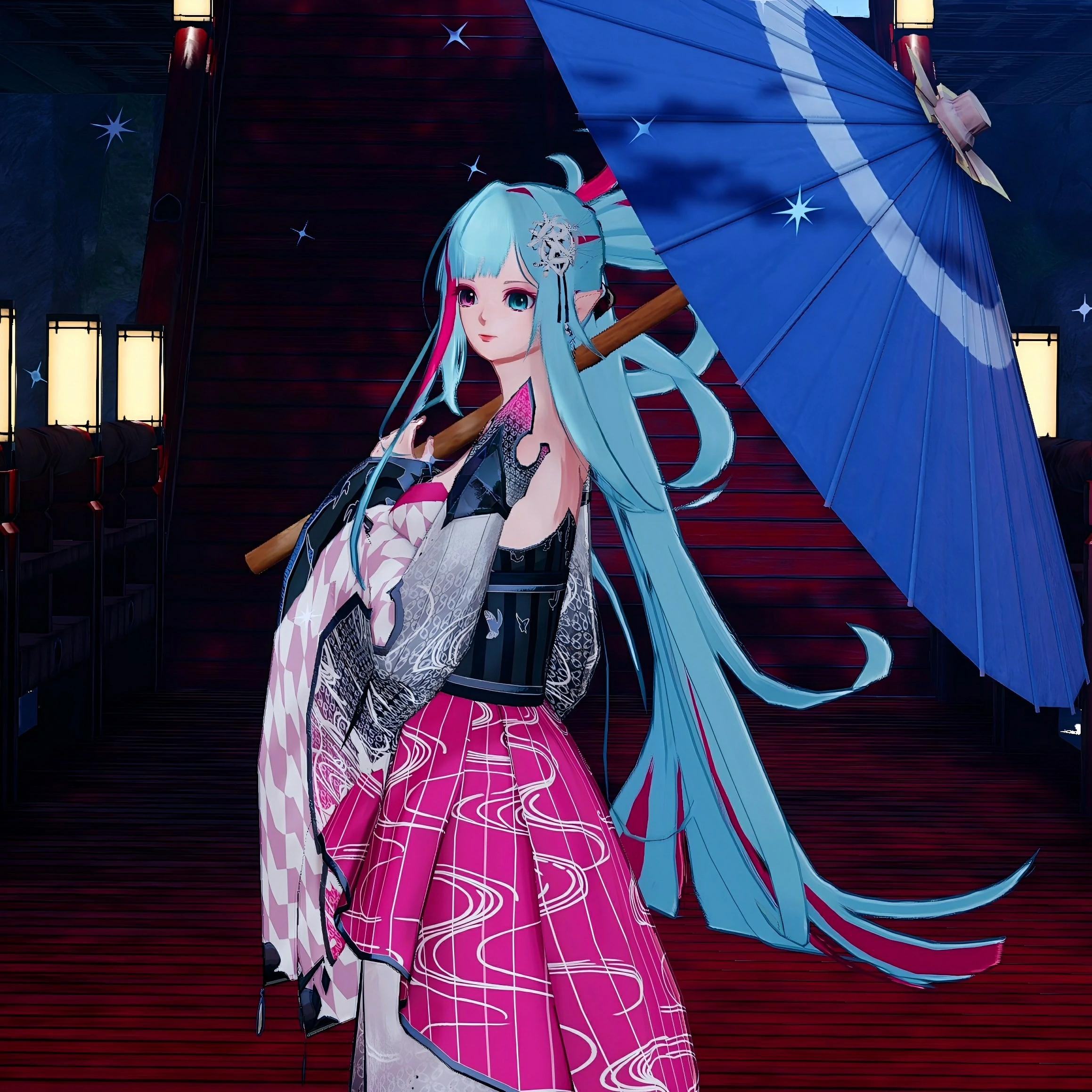

记录一下给小破站实现的功能和美化
网站增加黑幕效果
先添加CSS样式
span.heimu a.external,
span.heimu a.external:visited,
span.heimu a.extiw,
span.heimu a.extiw:visited {
    color: #252525;
}
.heimu,
.heimu a,
a .heimu,
.heimu a.new {
    background-color: #252525;
    color: #252525;
    text-shadow: none;
}
body:not(.heimu_toggle_on) .heimu:hover,
body:not(.heimu_toggle_on) .heimu:active,
body:not(.heimu_toggle_on) .heimu.off {
    transition: color .13s linear;
    color: white;
}
body:not(.heimu_toggle_on) .heimu:hover a,
body:not(.heimu_toggle_on) a:hover .heimu,
body:not(.heimu_toggle_on) .heimu.off a,
body:not(.heimu_toggle_on) a:hover .heimu.off {
    transition: color .13s linear;
    color: lightblue;
}
body:not(.heimu_toggle_on) .heimu.off .new,
body:not(.heimu_toggle_on) .heimu.off .new:hover,
body:not(.heimu_toggle_on) .new:hover .heimu.off,
body:not(.heimu_toggle_on) .heimu.off .new,
body:not(.heimu_toggle_on) .heimu.off .new:hover,
body:not(.heimu_toggle_on) .new:hover .heimu.off {
    transition: color .13s linear;
    color: #BA0000;
}
使用方式:在需要添加黑幕的地方加入以下代码段
<span class="heimu" title="你知道的太多了!">这里输入想要黑幕的内容</span>页尾添加运行时间
在footer.php中添加代码
<!-- 运行时间 -->
<script type="text/javascript">
function NewDate(str) {str = str.split('-');
var date = new Date();
date.setUTCFullYear(str[0], str[1] - 1, str[2]);
date.setUTCHours(0, 0, 0, 0);
return date;
}
function showsectime() {var birthDay =NewDate("2025-08-14");
var today=new Date();
var timeold=today.getTime()-birthDay.getTime();
var sectimeold=timeold/1000
var secondsold=Math.floor(sectimeold);
var msPerDay=24*60*60*1000;
var e_daysold=timeold/msPerDay;
var daysold=Math.floor(e_daysold);
var e_hrsold=(daysold-e_daysold)*-24;
var hrsold=Math.floor(e_hrsold);
var e_minsold=(hrsold-e_hrsold)*-60;
var minsold=Math.floor((hrsold-e_hrsold)*-60);
var seconds=Math.floor((minsold-e_minsold)*-60).toString();
document.getElementById("showsectime").innerHTML = "本站已跌跌撞撞地运行了"+daysold+"天"+hrsold+"小时"+minsold+"分"+seconds+"秒";
setTimeout(showsectime, 1000);
}showsectime();
</script>
然后再在页尾信息中添加HTML引用代码
<span class="mb-0" id="showsectime"></span>添加live2d
我是在本地部署的live2d,所以首先需要下载live2d源文件,解压后将代码文件夹放在 /wp-content/themes/Sakurairo 下。
修改live2d文件夹中的 pio.css ,目的是调整live2d人物的大小,将
#pio {
    vertical-align: middle
}
修改为
#pio {
    height: 17em;
    width: 17em;
    vertical-align: middle
}
在 footer.php 中添加代码,建议放在 </body> 标签下方,即可实现live2d的布置
</body>
<!--live2d-->
<script src="/wp-content/themes/Sakurairo/live2d/TweenLite.js"></script>
<script src="/wp-content/themes/Sakurairo/live2d/live2dcubismcore.min.js"></script>
<script src="/wp-content/themes/Sakurairo/live2d/pixi.min.js"></script>
<script src="/wp-content/themes/Sakurairo/live2d/cubism4.min.js"></script>
<link href="/wp-content/themes/Sakurairo/live2d/pio.css" rel="stylesheet" type="text/css"/>
<script src="/wp-content/themes/Sakurairo/live2d/pio.js"></script>
<script src="/wp-content/themes/Sakurairo/live2d/pio_sdk4.js"></script>
<script src="/wp-content/themes/Sakurairo/live2d/load.js"></script>
</html>
补充:删除右侧功能键
看板娘右侧 5 个按键中的第 4 个用以切换暗黑模式,该按键目前无法得到很好的支持。如果你想删除该按键,可在 pio.css 中搜索 .pio-action .pio-night 并添加 display: none; 声明。

最终效果↑
大图展示
因为主题限制,无法直接点击图片查看大图,所以调用Viewer插件实现图片点开直接看大图。由于插件放在本地服务器上,所以路径为自己服务器。插件调用目前似乎有些小问题,首次点开网页无法点开大图,在刷新页面后可以正常点开大图。
<!--大图展示 -->
<link rel="stylesheet" href="https://自己的服务器文件地址/viewer/viewer.min.css">
<script src="https://自己的服务器文件地址/viewer/viewer.min.js"></script>
<script>
let viewer = new Viewer(document.getElementsByTagName('article')[0]);
</script>
本地部署↑
<!--大图展示 -->
<link rel="stylesheet" href="https://cdn.jsdelivr.net/npm/viewerjs@1.10.1/dist/viewer.min.css">
<script src="https://cdn.jsdelivr.net/npm/viewerjs@1.10.1/dist/viewer.min.js"></script>
<script>
let viewer = new Viewer(document.getElementsByTagName('article')[0]);
</script>
套用部署(需要梯子才能生效)↑
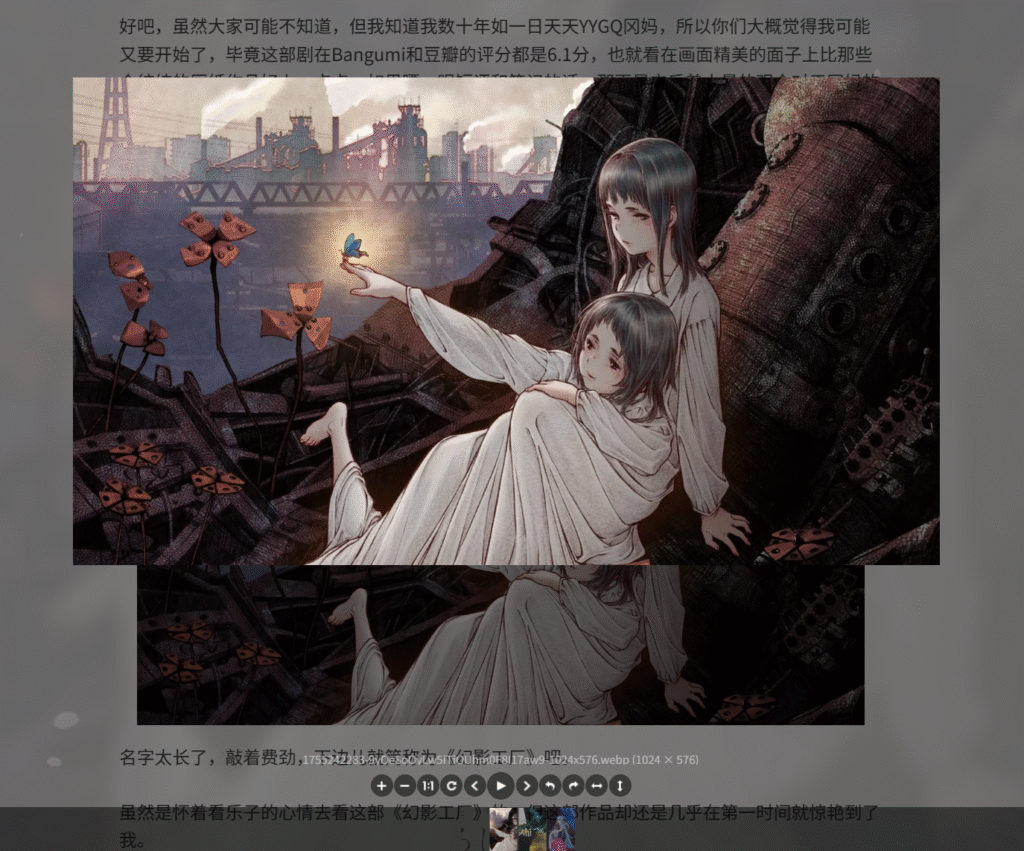
最终效果↑
正文默认插入全尺寸图片
WordPress 往正文添加大尺寸图片时,默认不是原分辨率,每次都要调整很麻烦。
在functions.php中添加以下代码:
/**
 * WordPress 设置图片的默认显示方式(尺寸/对齐方式/链接到)
 * https://www.jiaidc.com
 */
add_action( 'after_setup_theme', 'default_attachment_display_settings' );
function default_attachment_display_settings() {
	update_option( 'image_default_align', 'center' );
	update_option( 'image_default_link_type', 'none' );
	update_option( 'image_default_size', 'full' );
}
使用:全自动生效,往文章中插入图片默认全尺寸。(自行保证图片的大小不要太大)
正文插入B站视频、网易云音乐等
添加嵌入代码(以B站视频为例):
<iframe src="//player.bilibili.com/player.html?bvid=BV1P64y1y7MH&high_quality=1&danmaku=true &allowfullscreen=false&autoplay=false" scrolling="no" border="0" frameborder="no" framespacing="0" sandbox="allow-top-navigation allow-same-origin allow-forms allow-scripts" style="width:100%;aspect-ratio:16/10;"></iframe>
Comments NOTHING